GC Initial Layering Guides1.2
Publisher Description
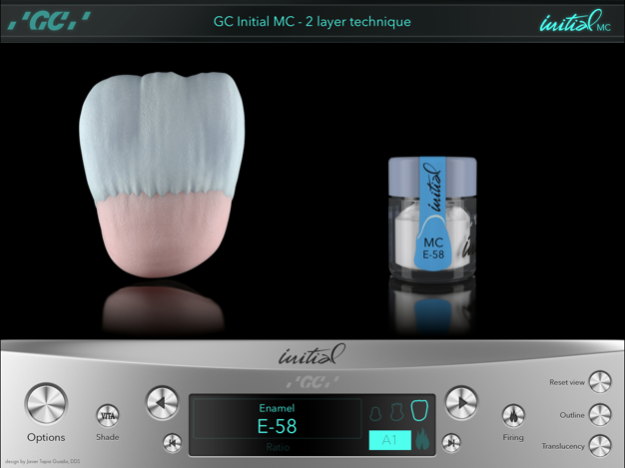
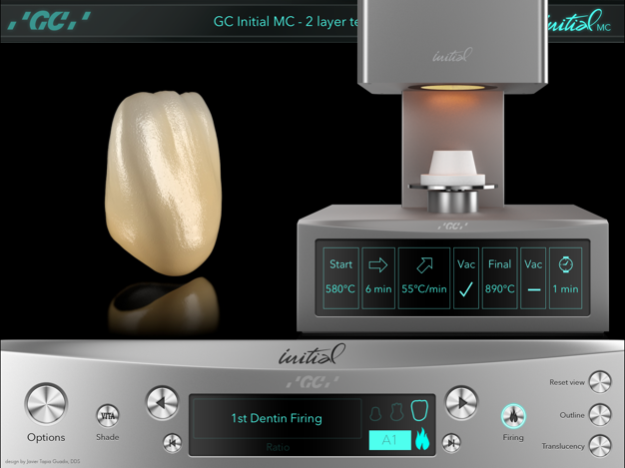
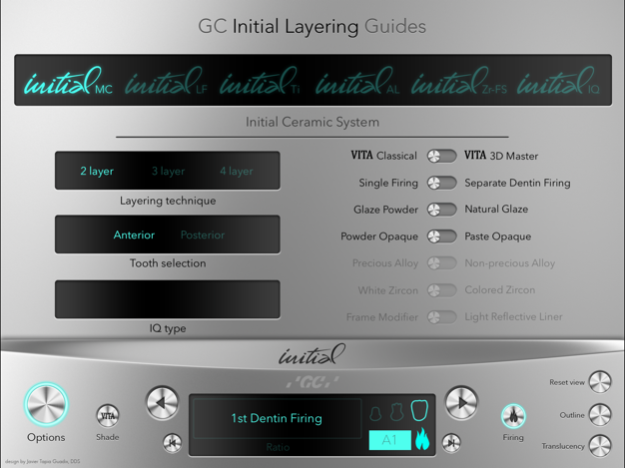
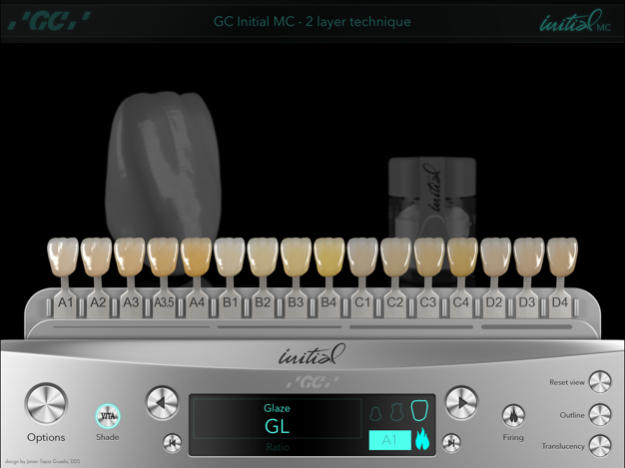
Discover the ultimate digital tool for dental technicians: GC Initial Layering Guides. The interactive guides to learn how to use GC ceramic:
- Initial MC.
- Initial LF.
- Initial Ti.
- Initial AL.
- Initial Zr-FS.
- Initial IQ layering over metal.
- Initial IQ layering over zircon.
Awesome features include:
- 360º Step-by-step illustration of layering techniques.
- 2 layer, 3 layer & 4 layer techniques.
- IQ layering technique with Lustre Pastes application guide.
- VITA® Classical and VITA® 3D Master shade guides supported.
- Precious/non-precious alloy selection, white zircon/colored zircon selection. Other frameworks include titanium and alumina.
- Complete firing guide for all systems, including the possibility for single firing or separate dentin firing setup.
Create your world with INITIAL
Aug 23, 2018
Version 1.2
This app has been updated by Apple to display the Apple Watch app icon.
Minor bugs correction
About GC Initial Layering Guides
The company that develops GC Initial Layering Guides is GC EUROPE NV. The latest version released by its developer is 1.2. This app was rated by 6 users of our site and has an average rating of 3.5.
To install GC Initial Layering Guides on your iOS device, just click the green Continue To App button above to start the installation process. The app is listed on our website since 2018-08-23 and was downloaded 614 times. We have already checked if the download link is safe, however for your own protection we recommend that you scan the downloaded app with your antivirus. Your antivirus may detect the GC Initial Layering Guides as malware if the download link is broken.
How to install GC Initial Layering Guides on your iOS device:
- Click on the Continue To App button on our website. This will redirect you to the App Store.
- Once the GC Initial Layering Guides is shown in the iTunes listing of your iOS device, you can start its download and installation. Tap on the GET button to the right of the app to start downloading it.
- If you are not logged-in the iOS appstore app, you'll be prompted for your your Apple ID and/or password.
- After GC Initial Layering Guides is downloaded, you'll see an INSTALL button to the right. Tap on it to start the actual installation of the iOS app.
- Once installation is finished you can tap on the OPEN button to start it. Its icon will also be added to your device home screen.
Program Details
System requirements
Download information
Pricing
Version History
version 1.2
posted on 2018-08-23
Aug 23, 2018 Version 1.2
Minor bugs correction
version 1.2
posted on 2018-08-23
Aug 23, 2018 Version 1.2
This app has been updated by Apple to use the latest Apple signing certificate.
Minor bugs correction
version 1.2
posted on 2018-08-23
Aug 23, 2018 Version 1.2
This app has been updated by Apple to display the Apple Watch app icon.
Minor bugs correction
version 1.0
posted on 2013-03-11
version 1.2
posted on 1970-01-01
2018年8月23日 Version 1.2
This app has been updated by Apple to use the latest Apple signing certificate.
Minor bugs correction
version 1.2
posted on 1970-01-01
2018年8月23日 Version 1.2
Minor bugs correction
